Internal Linking Strategy: Connecting Your Pages So Google Understands Them and Visitors Explore
Internal links are your site's map in the eyes of Google and visitors: they show which pages matter most, how topics connect and where to go next.
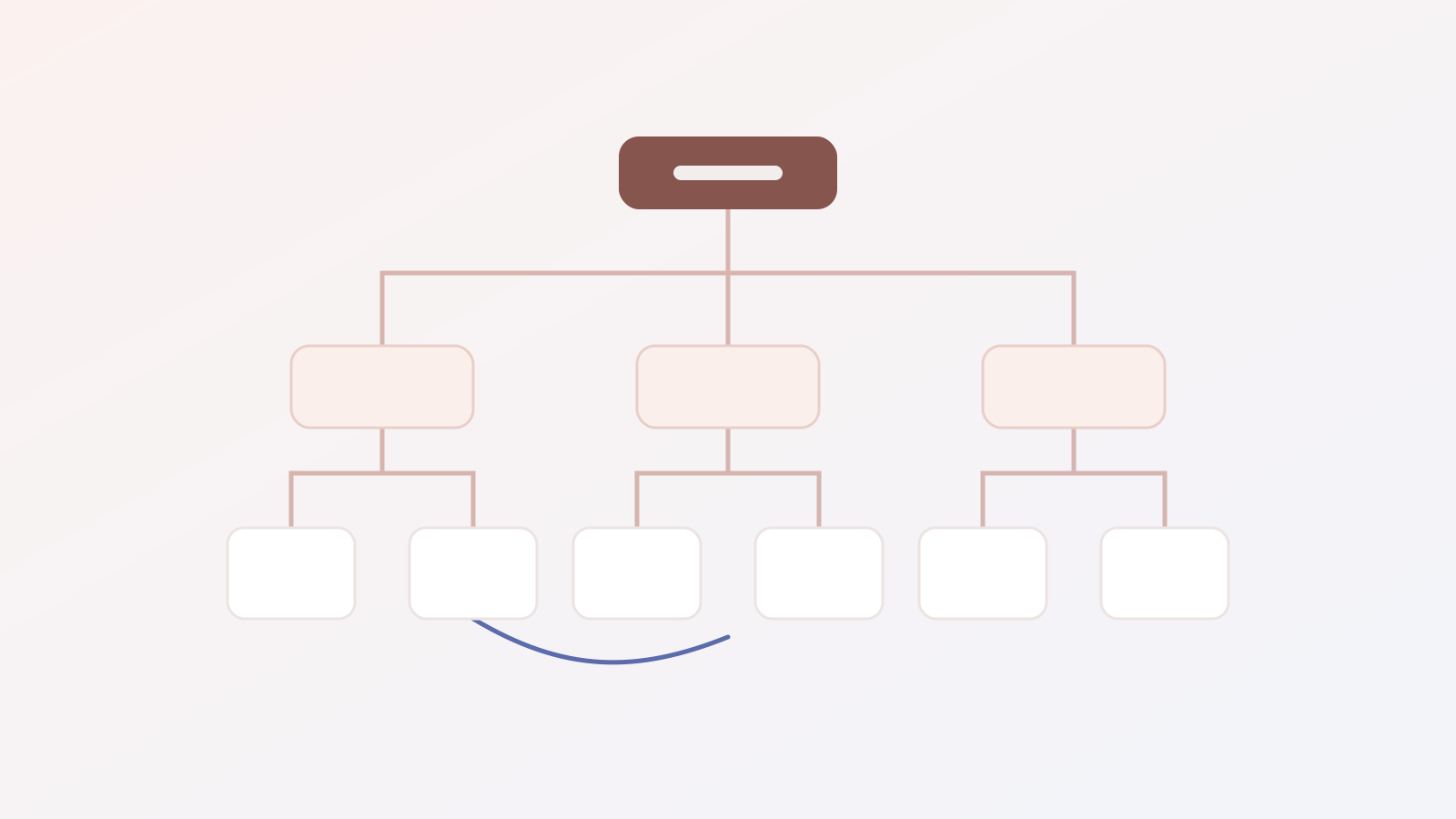
Google discovers your pages by following links, and visitors move between your pages through them too. Internal linking turns a collection of scattered pages into a connected site: it tells Google which pages matter most and how topics relate, and it leads visitors from a question to an answer to a service. Yet it's often left to chance.
Key takeaways
- 1Site structure runs from the home page to hubs to pages, three clicks deep or less.
- 2Anchor text describes the target page; "click here" tells nobody anything.
- 3Leave no orphan pages, and link every article to its hub and the closest service page.
- 4Audit links regularly: broken ones, redirected ones and pages that have slipped.
Site structure: a clear tree
The best structure resembles a tree: the home page at the top, then main sections, then detailed pages within each section. That keeps every page close to the home page and makes topic relationships clear:
A connected structure for a services company site
- Services
- Website development
- SEO and marketing
- Blog: SEO hub
- Technical SEO
- Keyword research
- Blog: websites hub
- User experience
- Site speed
Google explains in its official documentation on link best practices how it follows links to discover pages, and why links should be real, crawlable elements with anchor text that describes the destination.
The practical rule: three clicks
Keep every important page no more than three clicks from the home page. A page that can only be reached after five or six clicks looks less important to Google, and visitors struggle to find it. If you find a core service page buried deep in the site, link to it from a page higher up the tree, such as the main services page or a popular article on the same topic.
1. Anchor text: describe the destination
Anchor text tells Google and readers what they'll find when they click. Make it a natural description of the target page:
Anchors that say nothing
- "Click here", "more" and "this link"
- The exact same keyword on every link
- Many links crammed into one paragraph
Anchors that describe the destination
- "technical SEO guide" and "website development service"
- Varied natural phrasings of the same topic
- A link where readers actually need it
Don't use identical anchor text everywhere
When twenty pages link to a service page with exactly the same phrase, the linking looks artificial. Vary anchor text naturally while keeping it descriptive: "our online store design service", "how we build your online store", "examples of stores we've designed". They all describe the same destination, but each reads naturally in the context of its article.
2. Link hubs and articles both ways
Each content hub has a comprehensive page, with articles branching from it. The hub links to every article, and every article links back to the hub and to the closest service page. This structure is explained in our content strategy guide, and it helps Google see that you cover the topic in depth.
An illustrative example: a hub on local SEO
Imagine you have a comprehensive hub page on local SEO and six supporting articles: your Google Business Profile, managing reviews, city pages and so on. The hub lists all six articles with a sentence explaining what readers will find in each. Every supporting article links back to the hub near its start or end, and links to one or two sibling articles where that genuinely helps the reader.
This way Google understands that the seven pages form one coherent group with the hub as the most complete, and visitors find their way between topics without going back to search. This kind of internal linking is what turns individual articles into a recognised area of expertise.
3. Common mistakes that weaken internal linking
A page no link points to is hard to discover, even if it's in the sitemap.
An important page five or more clicks from the home page.
They waste crawler visits and annoy readers; update them to point straight to the final destination.
Use real anchor tags with href so the engine can follow them.
And the easiest way to avoid most of these mistakes:
4. Audit your links regularly
- 1Find orphan pages
Compare the pages in your sitemap with those reached by internal links.
- 2Fix broken and redirected links
Especially after a site migration or URL changes.
- 3Strengthen pages near the top
Pages ranking 8 to 20 in Search Console benefit from extra internal links.
- 4Check key pages
With the Website SEO Checker to see their links and headings.
How to find orphan pages
An orphan page is a published page with no internal links pointing to it. The easiest way to find them is to compare the list of pages in your sitemap with the list of pages a crawler reaches when it starts from your home page. Any page that appears in the first list but not the second is an orphan. For each one, decide: link to it from relevant pages if it's useful, merge it into a stronger page, or remove it with a suitable redirect if it no longer has a role.
A practical one-month internal linking plan
Week one: the inventory. List the ten most important pages on your site, usually your service pages and the articles that bring the most traffic. These should receive the most internal links.
Week two: incoming links. For each of the ten, search your site for articles that discuss its topic without linking to it, and add a descriptive link at the right point in the text.
Week three: broken and orphan links. Run a crawler over your site, fix every link that leads to a missing page, and link to any useful orphan pages.
Week four: the habit. Make linking part of publishing every new article: two or three links from it to related pages, and a link to it from an older article on a similar topic. With this habit, internal linking stays strong without a big project every year.
What to measure afterwards
Watch the pages you worked on in Search Console over the next two to three months. Look for more impressions and better average positions on the queries those pages target, and check in your analytics whether visitors now view more pages per visit. These are signs that your internal linking is helping both search engines and readers.
Conclusion
Internal linking draws your site's map for Google and visitors: a clear tree structure, descriptive anchor text, hubs linked to their articles both ways, no orphan pages and regular audits. It's a core part of on-page SEO and technical SEO. If you'd like your site structure and links reviewed, explore our SEO and digital marketing service.
Frequently asked questions
How many internal links should an article have?
There's no fixed number. Add the links that genuinely help readers in context, usually to related articles and the closest service page, without stuffing.
What is an orphan page?
A page no internal link points to, so it's hard for Google and visitors to discover, even if it's in the sitemap.
Should I use nofollow on internal links?
Usually not. Internal links help Google understand your site. To keep a page out of search, use noindex rather than nofollow.
Do menu and footer links count for internal linking?
Yes, they help Google and visitors reach your core pages from anywhere on the site. But they're the same on every page, so they don't tell Google much about how one topic relates to another. Links within the body of an article explain those relationships, so don't rely on the menu alone.
What happens to internal links when I delete a page?
Before deleting, find every page that links to it. If there's a close alternative on the same topic, redirect the old URL to it with a 301 and update internal links to point straight to the replacement. If there's no alternative, remove the links or replace them with other useful ones.
Sources & references

I believe technology is useful when it solves a clear problem — not when it's adopted because it's trendy. AI is a powerful tool for speeding up research, writing, analysis and automation, but it needs human expertise to review, guide and verify accuracy. That's why I prefer to start by understanding the business and its goals, then choose the simplest solution that delivers a measurable result, and build audience trust with honest, useful content.
- Reader rating
- 5.0(2)
- Published articles
- 81
- #internal linking
- #site structure
- #seo
How would you rate this article?
Be the first to rate
Comments
No comments yet. Share your thoughts!