Local SEO for Small Businesses: How to Show Up in Google Local Search and Maps
When someone searches for a service 'near me', they're usually ready to buy. Local SEO puts you in front of them on the map at that moment.
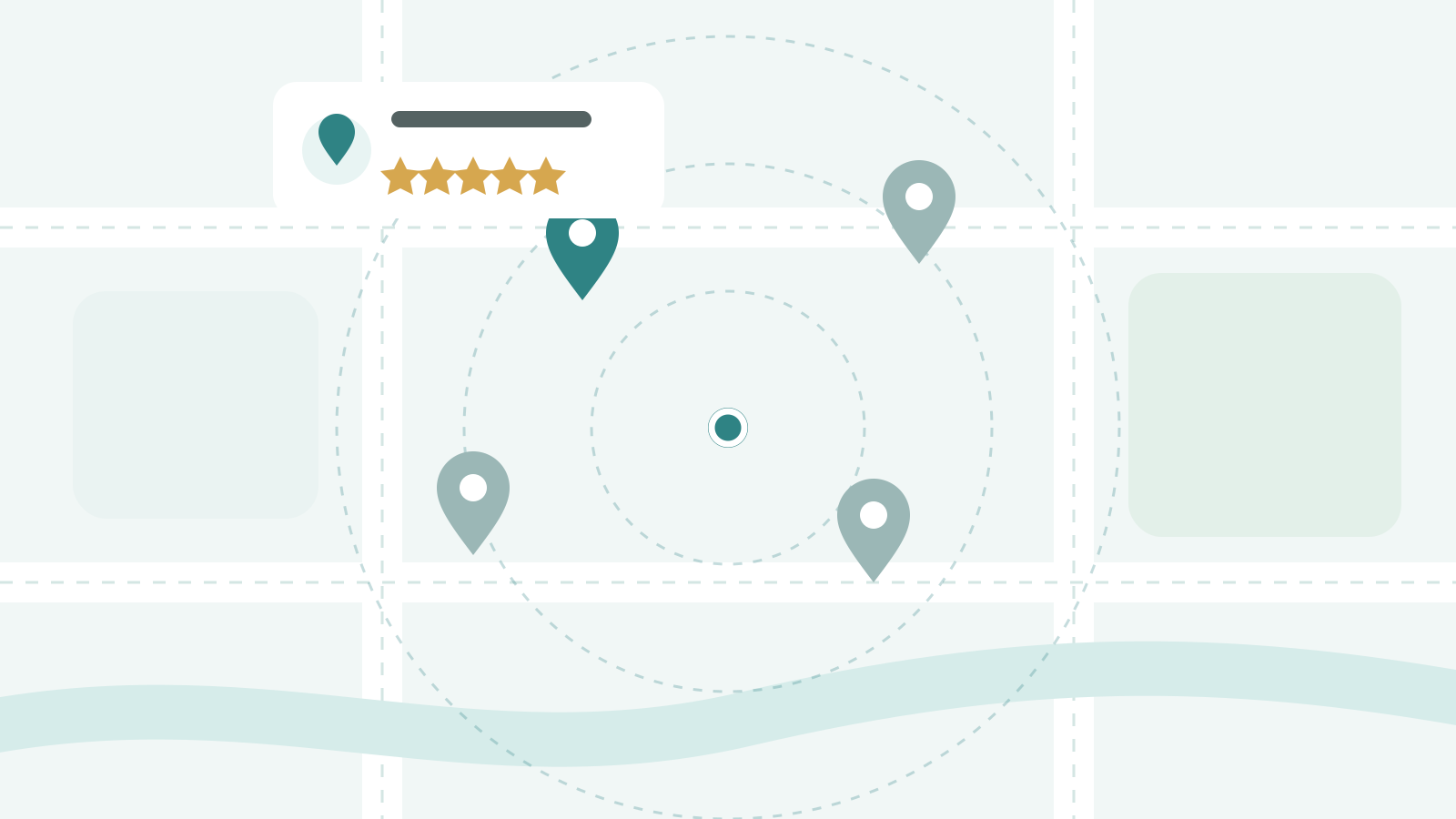
A large share of searches have local intent: "web designer in Riyadh", "AC repair near me", "accountant in Jeddah". These searchers aren't browsing to learn; they want a provider now. Local SEO puts you on the map and in the local results for them at the moment they decide. In this guide we explain how local SEO works for small businesses step by step: from your Google Business Profile, to consistent business data, useful local pages, reviews, and measuring what actually brings in customers.
Key takeaways
- 1Google ranks local results on three factors: relevance, distance and prominence.
- 2A complete, accurate Business Profile is the starting point, and the primary category is its most important field.
- 3Name, address and phone (NAP) must match exactly everywhere.
- 4Genuine reviews, all of them answered, build prominence that can't be bought.
How does local SEO work, and how does Google choose results?
When someone searches for a nearby service, Google shows businesses that combine three factors named in its Business Profile guidelines:
What puts your business at the top of the map?
How well your business matches what the person is searching for, shaped by categories, description and services.
How close your business is to the searcher or to the area named in their search.
How well known your business is, reflected in reviews, mentions, links and your website's strength.
Google's Business Profile help says local results are based mainly on three factors: relevance (does your business match what the person searched for?), distance (how far is it from the searcher or the place they mentioned?) and prominence (how well known is your business, through reviews, links and mentions online?). You can't change distance, but relevance and prominence are both in your hands, and every step in this guide serves one of them.
1. Your Google Business Profile: your shopfront on the map
Create or claim your Google Business Profile, then complete it carefully. Every field here feeds the "relevance" factor directly:
The most important field. Choose the most specific, not the broadest, and add secondary categories only when needed.
What you offer and for whom, in natural language without keyword stuffing.
The premises, team and finished work build more trust than stock images.
Always current, including holiday hours.
Add the questions customers really ask and answer them clearly.
Keep the profile active and show what's new to people viewing the map.
2. Keep NAP consistent everywhere
NAP is your name, address and phone number. It must match exactly on your website, your profile, your social accounts and directories. Small differences create doubt for search engines and customers alike:
Scattered data that weakens trust
- "King Fahd Road" here, "K. Fahd Rd" there
- Two different phone numbers on two platforms
- A shortened trading name in one directory, the full name in another
Consistent data that builds trust
- One official address format, always copied
- One main phone number on every platform
- The same name as on your signage and registration
The fix is simpler than you'd expect:
3. Local pages worth reading
If you serve several cities or districts, create a page for each area with genuinely different content. Duplicate pages where only the city name changes are treated as thin content:
| Local page element | Why it matters |
|---|---|
| How you serve customers in the area | Proves real relevance, not just a mention of the name |
| Travel time and coverage | Answers the local customer's first question |
| Work examples from the area | Trust evidence that can't be copied from another page |
| Area-specific FAQs | Captures long local search phrases |
Choose the phrases people in each area search for, as explained in our keyword research guide.
A hypothetical example: a city page unlike any other
Imagine a cleaning company serving Riyadh and Al-Kharj. The common mistake is to copy one page and change only the city name, so the two pages are nearly identical and neither adds value. A good Al-Kharj page names the neighbourhoods you actually reach, the usual arrival time, whether there's a travel fee, real photos of work done in the city, and questions its residents specifically ask, with a map and a clear contact number.
Before publishing any local page, ask yourself: if I removed the city name, would anything still set this page apart from the other city's page? If the answer is no, you're better off with one service page that lists the areas you serve than with near-duplicate pages that weaken the local SEO of your whole site.
4. Add LocalBusiness schema
Structured data helps the engine understand your business name, address, opening hours and contact details precisely. Create the code with the Schema Markup Generator, choose the LocalBusiness type and place it on your contact or home page. For more depth, read our schema markup guide.
5. Reviews: prominence you can't buy
Reviews are the strongest signal for prominence and the first thing customers read before calling. Make them a steady process, not a one-off campaign:
- 1Ask
At the right moment, after a successful delivery, with a direct review link.
- 2Reply
To every review, especially negative ones, professionally and with a solution.
- 3Learn
Collect recurring feedback and improve the service accordingly.
- 4Showcase
Feature genuine reviews on your website and service pages.
On the other hand, there's one red line you must never cross:
How do you ask for a review without being pushy?
The best moment to ask is when the customer feels satisfied: right after the job is delivered, or after they send a thank-you message. Send a direct link to the review form rather than explaining how to find it; you can also turn the link into a QR code printed on the invoice or delivery card with the QR code generator. Keep the request short and personal: "We were glad to help, and your opinion helps others choose us."
Note that Google's policies forbid offering anything in return for reviews, forbid reviews written by staff, and forbid asking only happy customers. Replying to every review, positive and negative, is part of prominence itself: a calm reply to a negative review persuades the next reader more than ten unanswered positive ones.
6. Real local signals
Take part in local events, partner with complementary businesses and appear in trusted local news sites and directories. These signals build prominence gradually and bring visits and customers even before they affect rankings.
Where do the local signals you deserve come from?
A strong local signal is one you earn because your business genuinely exists in its community, not one you buy. Think of the organisations you already deal with: the chamber of commerce you belong to, suppliers that list their resellers, local events you sponsor or take part in, professional associations in your field, and local newspapers or blogs that cover new businesses in town. Every mention of your name, address and website link in those places builds prominence and confirms to Google that your details are correct.
Avoid, on the other hand, buying links or registering in hundreds of weak directories at once; they add no trust and may spread outdated details that are hard to correct later. Ten real, up-to-date local sources are worth more than a hundred no one visits. You can also publish content that is genuinely useful to people in your city, such as a seasonal guide to servicing air conditioners before summer, which people share and link to naturally.
7. Measure what really matters
Visibility alone isn't enough; what matters is what people do after seeing you. Track these monthly:
From the call button on your profile, the clearest sign of a ready customer.
How many people asked for the route to your premises from the map.
Clicks from your profile to your site. Tag the link with the UTM Link Builder, as in our UTM guide.
The queries you appeared for in Google Search Console and your profile's performance report.
Common local SEO mistakes
Choosing a generic Business Profile category. The primary category is one of the strongest relevance signals. "Contractor" is weaker than "Home renovation contractor" if that is what you actually do. Pick the most precise category and add secondary ones only for your other services.
Stuffing the business name with keywords. Writing "Al Noor AC Repair Riyadh Cheapest Prices" instead of your real name breaks Google's guidelines and can get the profile suspended. Use your name exactly as it appears on your signage and documents.
Different addresses and numbers everywhere. Changing your phone number or moving premises without updating the website, the profile and directories confuses both Google and customers. Whenever something changes, update every source in the same week.
Neglecting the profile after creating it. A profile that never gets new photos, posts or replies looks abandoned. Spend fifteen minutes a week adding a photo or answering reviews and questions. We cover the details in our Google Business Profile guide.
A 30-day local SEO action plan
In week one, complete every field of your Business Profile: category, hours, services, service area and at least ten real photos. In week two, check your name, address and phone number on your website, social profiles and main directories, and make them match exactly. In week three, improve your main service page or build one genuinely useful local page, and add LocalBusiness structured data with the schema markup generator. In week four, set up a steady routine for asking every satisfied customer for a review, and a way to track calls and requests coming from the map. After that, local SEO becomes a monthly habit rather than a one-off project, and its results start to compound.
Conclusion
Local SEO puts you in front of customers at the moment closest to a buying decision. Complete your profile accurately, keep your data consistent, build real local pages, make reviews a habit, then measure calls and visits rather than visibility alone. If you'd like someone to handle it for you, explore our SEO and digital marketing service.
Frequently asked questions
Do I need a physical address to appear on Maps?
If customers visit you, show your address. If you serve them at their location, you can hide the address and set service areas instead, per Google Business Profile guidelines.
Can I add the city to my business name?
No. The name must match your real-world name on signage and documents. Adding keywords to it breaks Google's guidelines and can get the profile suspended.
How many reviews do I need?
There's no magic number. Consistency, recency and replying to every review matter most. Steady genuine reviews beat one big burst followed by silence.
Do I need a physical address to appear in map results?
Yes, a Business Profile needs a real address or a service area. If you visit customers rather than receive them, you can hide the address and list the areas you serve instead, following Google's guidelines for service-area businesses.
How long does local SEO take to show results?
Business Profile improvements such as the right category, photos and reviews can show an effect within weeks, while new local pages and overall reputation usually take three to six months, depending on competition in your city and industry.
Sources & references

I believe technology is useful when it solves a clear problem — not when it's adopted because it's trendy. AI is a powerful tool for speeding up research, writing, analysis and automation, but it needs human expertise to review, guide and verify accuracy. That's why I prefer to start by understanding the business and its goals, then choose the simplest solution that delivers a measurable result, and build audience trust with honest, useful content.
- Reader rating
- 5.0(2)
- Published articles
- 81
- #local seo
- #google business profile
- #small business
How would you rate this article?
Be the first to rate
Comments
No comments yet. Share your thoughts!