UTM Tracking Guide: Know Where Every Customer Comes From With Properly Tagged Links
Without tagged links, campaign traffic blurs into one vague bucket. UTM parameters tell you exactly which post, email or ad brought each visit.
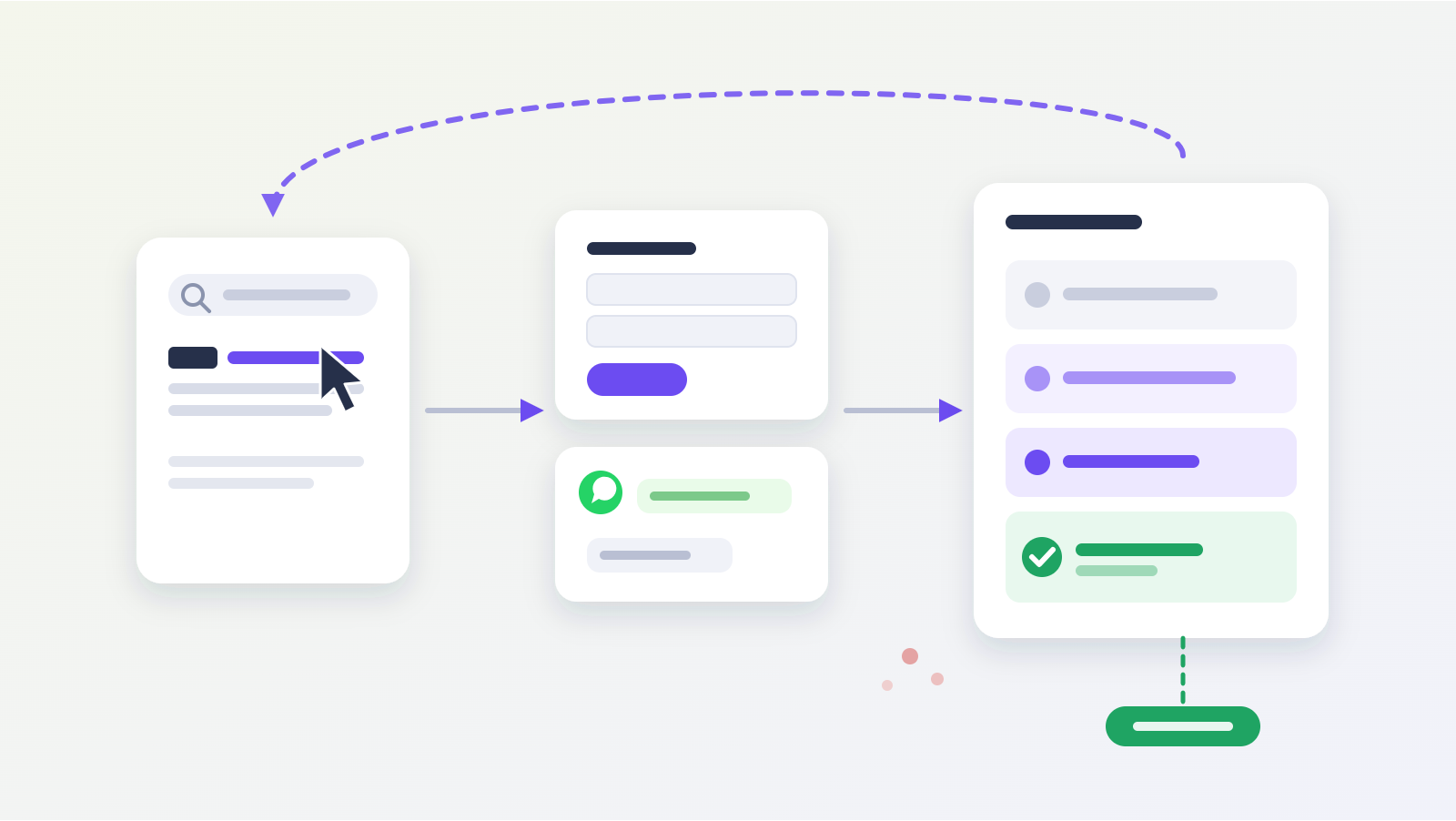
You publish a post, send a newsletter and launch an ad, then open analytics and find the traffic blurred into vague buckets like "direct" or "referral". Which of those efforts actually brought customers? UTM parameters answer that question: short tags added to the end of a link that tell your analytics tool where each visit came from. In this UTM tracking guide we explain each parameter, the naming rules that keep reports clean, the mistakes that ruin them, and how to turn the numbers into decisions.
Key takeaways
- 1UTM parameters are added to external links to identify a visit's source, medium and campaign.
- 2The core three: utm_source, utm_medium and utm_campaign.
- 3Consistent lowercase naming rules are what make reports readable.
- 4Never use them on internal links between your own pages.
What does a tagged link look like inside?
A tagged link is your normal page URL with a question mark added, followed by "parameter=value" pairs separated by &:
Anatomy of a tagged link
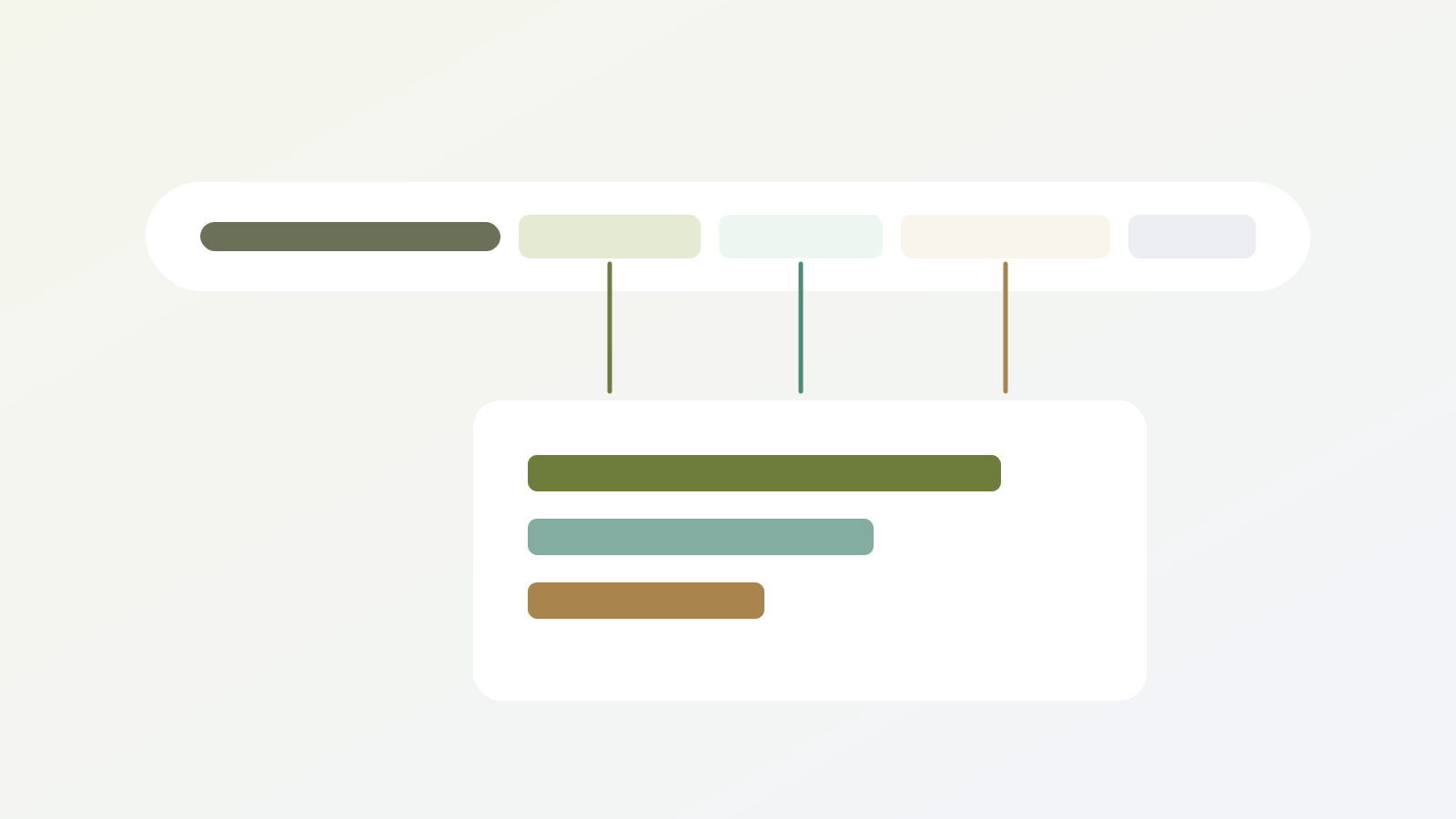
utm_sourceSource: where did the visit come from? (the newsletter)utm_mediumMedium: what type of channel? (email)utm_campaignCampaign: which campaign? (the November offer)utm_contentContent: which link in the message? (the top button)
The five parameters and what each means
| Parameter | Answers | Example values |
|---|---|---|
| utm_source | Where from? | google, newsletter, linkedin |
| utm_medium | What type of channel? | cpc, email, social, qr |
| utm_campaign | Which campaign? | spring_sale, webinar_2026 |
| utm_content | Which version or link? | header_button, video_ad |
| utm_term | Which keyword? | Mostly used in paid search ads |
The first three belong on every link; the last two are optional, for telling ad versions or link positions within the same message apart.
A real link, taken apart piece by piece
Take a link from a monthly newsletter as an example: the base is an offer page on your site, then the parameters start after the question mark, separated by &. The value utm_source=newsletter says the visit came from the newsletter, utm_medium=email says the channel is email, utm_campaign=winter-2026 groups every winter campaign link under one name, and utm_content=top-button distinguishes the top button in the message from another link further down. If most clicks come from the top button, you know where to put the most important link in the next issue.
Notice that source and medium together define the "channel" in reports. So stick to well-known medium values such as email, social and cpc, because analytics relies on them to sort visits into its default channel groups; an unusual medium value can make your UTM tracking data land under "Unassigned".
Naming rules that protect your reports
What ruins UTM data most isn't forgetting it; it's messy naming. Values are case- and wording-sensitive, so the same campaign gets split across several rows:
Messy naming
- Facebook, facebook and fb for one source
- Spaces and symbols such as "Nov Offer!"
- Everyone names campaigns their own way
Disciplined naming
- Always lowercase: facebook
- Underscores instead of spaces: november_offer
- A shared sheet of approved names for the whole team
The easiest way to enforce these rules:
A hypothetical example: one campaign split into six rows
A store launched a "Summer deals" campaign through Instagram, its newsletter and search ads. Each employee wrote links their own way: one used utm_source=Instagram, another instagram, a third IG, and the campaign was written summer, Summer-Sale and summer_sale. Because analytics tools treat upper and lower case as different values, the same campaign appeared in six separate rows, and nobody knew its real sales figure without a tiring manual tally.
The fix is one shared naming sheet that defines the allowed values for each parameter: sources (instagram, newsletter, google), mediums (social, email, cpc) and a campaign name format (season-year, such as summer-2026). Every new link is created from that sheet or from a single tool everyone uses, such as the UTM link builder. Consistent UTM tracking starts with consistent names.
UTM tracking: how to build a tagged link step by step
- 1Start with the target page URL
The page you want visitors to land on, not always the home page.
- 2Choose the source, medium and campaign
From the approved sheet, not from memory.
- 3Build the link with a tool
Use the UTM Link Builder to avoid typos.
- 4Shorten it if needed
For posts and print, or turn it into a QR code with the QR Code Generator.
- 5Test before publishing
Open it and check the visit appears in real-time reports with the right values.
Print and messaging campaigns: tracking what happens off-screen
UTM parameters aren't limited to online channels. Flyers, signs and business cards can be tracked too if you print a QR code carrying a tagged link, such as utm_source=flyer, utm_medium=print and utm_campaign=expo-2026 for an exhibition you attend. Afterwards you'll know how many people scanned the code and what they did on your site, instead of guessing. The same goes for WhatsApp and text messages: a different link for each list or message reveals which one drove real engagement.
Keep every link you create in one sheet with its date and where it was published. Months later, when you see an odd name in your reports, the sheet tells you immediately where it came from.
Where to use UTMs and where to avoid them
Every link in the message, with utm_content to tell buttons apart.
Posts, profiles and messages.
Unless the platform tags automatically, such as linked Google Ads and Analytics accounts.
Links between your own pages with UTMs start a new session and wipe out the visitor's real source.
Note too that some platforms add their own tracking parameters automatically, such as gclid in Google Ads when auto-tagging is on. In that case you usually don't need manual UTM tracking for search ads, because linking the ads account to your analytics property passes the data more accurately. Google's documentation on campaign parameters in Google Analytics explains how these values are read and where they appear in reports.
Read the results and decide
In your acquisition reports, every visit is attributed to its source, medium and campaign. Don't stop at visit counts; compare what matters: enquiries and conversions per campaign. We cover reading the reports in our Google Analytics 4 guide, and turning them into decisions in our data-driven decisions guide.
From numbers to a decision: an example
Suppose the monthly report shows the newsletter brought 300 visits and 12 orders, while Instagram posts brought 1,200 visits and 6 orders. At first glance Instagram looks stronger because it brought more visits, but conversion rate says the opposite: 4% of newsletter visitors ordered, versus 0.5% of Instagram visitors. The sensible decision isn't to stop Instagram, but to understand its role: perhaps it introduces people to the brand and the newsletter turns them into customers. So you might invest in turning more Instagram visitors into newsletter subscribers.
Decisions like that are impossible without disciplined UTM tracking, because all the visits would otherwise blur into generic buckets that say nothing.
Common UTM tracking mistakes
Putting UTMs on internal links. A link in your own menu carrying utm_source makes analytics treat the visitor as arriving from a "new source", overwriting the real source they first came from. Use the parameters only for links coming from outside your site.
Long, exposed links in posts. A link full of parameters looks suspicious to some people. Use a short link, or a QR code that carries the full link; you can create one with the QR code generator for printed campaigns.
Not testing the link. A link with a typo in the page path sends visitors to an error page for the entire campaign. Open every link yourself before publishing, and check in the real-time report that the visit appears with the right source.
Renaming mid-campaign. Changing the campaign name after a week splits its data in two. Fix the names from the start and document them.
A weekly routine for reading campaign reports
In your analytics tool, open the traffic acquisition report, choose the source/medium view and add the campaign dimension. For each active campaign, review three numbers: visits, engagement rate and conversions or orders. Record them weekly in a simple table, and compare campaigns by conversion rate rather than visits alone. If you see lots of "direct" visits after a launch, look for links published without parameters and fix them. We explain report setup in detail in our Google Analytics 4 guide. With this simple routine, UTM tracking becomes a real decision tool, not just words added to links.
Conclusion
UTM parameters are the simplest and most neglected marketing tool: add them to every external link, standardise naming, build links with a tool and never put them on internal links. Then you'll know exactly which effort brings customers. If you'd like full campaign tracking set up, explore our SEO and digital marketing service.
Frequently asked questions
Do UTM parameters affect SEO?
They don't hurt when used only on external links and your pages have canonical tags. Never use them on internal links between your own pages.
Which parameters are required?
In practice: utm_source, utm_medium and utm_campaign. utm_content and utm_term are optional, for telling ad variations or keywords apart.
Why does the same campaign appear under different names?
Because values are case-sensitive and wording-sensitive: Facebook and facebook count as two sources. Standardise naming, always in lowercase.
Do UTM parameters affect SEO?
They don't affect rankings when used only on external links such as ads, newsletters and social posts. Problems appear when they're used on internal links between your own pages, because they create duplicate URLs and overwrite the visit's original source.
Should I write UTM values in Arabic or English?
Use lowercase English with hyphens instead of spaces, such as ramadan-offer. Arabic characters turn into long encoded strings in URLs that are hard to read in reports, and different tools may encode them differently, splitting one campaign into two rows.
Sources & references

I believe technology is useful when it solves a clear problem — not when it's adopted because it's trendy. AI is a powerful tool for speeding up research, writing, analysis and automation, but it needs human expertise to review, guide and verify accuracy. That's why I prefer to start by understanding the business and its goals, then choose the simplest solution that delivers a measurable result, and build audience trust with honest, useful content.
- Reader rating
- 5.0(2)
- Published articles
- 81
- #utm
- #analytics
- #campaign tracking
How would you rate this article?
Be the first to rate
Comments
No comments yet. Share your thoughts!