Schema Markup Guide: Help Google Understand Your Pages and Show Rich Results
Structured data tells search engines exactly what's on your page: this is a product, this is its price, this is a company. The result is better understanding and a chance at richer results.
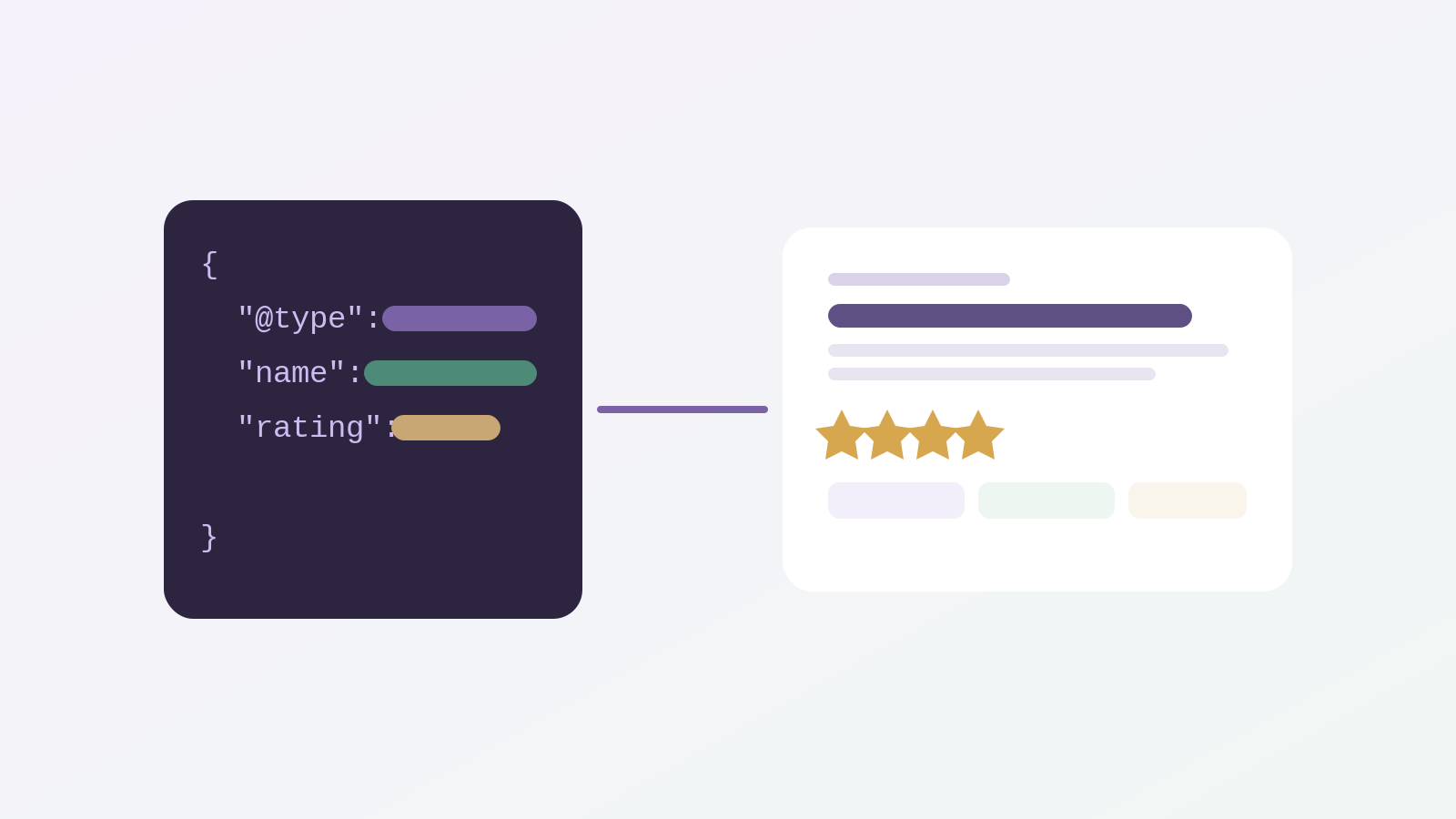
When a person reads a product page, they instantly understand that the number next to the photo is the price and the stars are customer ratings. A search engine needs to be told explicitly. Structured data (schema markup) is that language: simple code that describes a page's content precisely, so the engine understands it better and may show it as something richer than a blue link and a description.
Key takeaways
- 1Structured data describes the page to the engine: its type, name and key details.
- 2Google recommends JSON-LD, and it must always match the content visitors can see.
- 3It's not a direct ranking factor, but it makes pages eligible for rich results that can lift clicks.
- 4Some rich results have changed or shrunk, so check current documentation before relying on them.
What difference does structured data make in search results?
A standard result is a title, a URL and a description. When Google understands your page through structured data, it may add elements that make the result clearer and more clickable:
A standard result vs a rich result
- BreadcrumbsBreadcrumbList shows the page's place in the site instead of a long URL
- Product ratingProduct with genuine reviews shows stars on product pages
- Price and availabilityProduct shows the price and stock status right in the result
- Business detailsLocalBusiness and Organization clarify the name, address and logo
What is schema markup and how is it written?
Structured data uses a shared vocabulary from schema.org that search engines agree on. It can be written in several formats, the best known being:
JSON-LD (recommended)
- A separate block of code inside the page
- Doesn't interfere with the HTML design
- Easy to add, edit and generate automatically
Microdata
- Attributes added inside the HTML tags themselves
- Affected by any design change
- Harder to maintain over time
Google recommends JSON-LD, and it's what we use on all our projects. You can generate it without hand-writing code using the Schema Markup Generator.
How do you read JSON-LD without being a developer?
The code is made of simple pairs: a property name and its value. The first two lines are almost always the same: @context says the vocabulary comes from Schema.org, and @type names the kind of thing being described, such as Organization, Product or Article. Then come the properties the standard defines for that type: a product has name, image, description and offers, and offers is itself a nested type with price, priceCurrency and availability. That nesting is what lets schema markup describe relationships: the product has an offer, the article has an author, the author is a person who works for an organisation.
You don't need to memorise properties; each type's page on Schema.org lists them all, and Google's guidelines say which are required and which are recommended for each rich result. What you need is to know exactly what your page describes, then choose the most precise type: "Dentist" is more precise than "LocalBusiness", and "NewsArticle" more precise than "CreativeWork".
The most useful types for business websites
You don't need every type. These are the most useful for company sites, stores and blogs:
| Type | Where it's used | What it adds |
|---|---|---|
| Organization | The home page | Company name, logo and official profile links |
| LocalBusiness | The contact page of a local business | Address, opening hours and phone, supporting local SEO |
| BreadcrumbList | All inner pages | The page's path within the site structure |
| Article | Articles and news | Headline, author and published/updated dates |
| Product | Product pages | Price, availability and genuine ratings |
| FAQPage | Pages with visible questions and answers | Clarifies the Q&A structure for the engine |
But don't set equal expectations for every type:
A hypothetical example: what does local business code tell Google?
Imagine a dental clinic in Dammam. Its JSON-LD schema markup of type Dentist (a subtype of LocalBusiness) tells the search engine specific facts: the official name as it appears on the sign, the address split into street, city, postcode and country, the phone number in international format, opening hours for each day, geographic coordinates, the website URL and links to official profiles in the sameAs field. None of this is new to visitors, because it's all written on the page, but the code presents it in a form that leaves nothing to guesswork.
The golden rule is that everything in the code must match what visitors see. If the code says the clinic is open until 10 p.m. and the page says 9, you're sending two contradictory signals and Google may ignore the code entirely. That's why it's better to generate schema markup from the same data the page displays, rather than writing it by hand once and forgetting it.
How to add structured data step by step
- 1Choose the right type for each template
Home page Organization, articles Article, products Product.
- 2Fill in required and recommended properties
Following Google's documentation for each type, with real data only.
- 3Match the visible content
Every value in the markup must be visible to visitors on the same page.
- 4Test before publishing
With Google's Rich Results Test and the Schema Markup Validator.
- 5Monitor after publishing
The enhancement reports in Search Console reveal errors and warnings.
Checking those reports is part of the routine we describe in our Google Search Console guide.
Two free testing tools
Before and after publishing, use two tools. Google's Rich Results Test tells you whether the page is eligible for the result types Google supports, showing errors that block eligibility and warnings worth fixing. The Schema.org Validator checks the code against the standard itself, even for types Google doesn't show a rich result for.
A few days after publishing, open the "Enhancements" section in Search Console. You'll find a report for each type you use, such as products or breadcrumbs, showing valid pages and pages with errors. These reports also warn you when schema markup breaks after a theme or plugin update, which happens more often than people expect.
Common mistakes that waste the benefit
Ratings or prices only in the markup break Google's guidelines and can trigger a manual action.
Reviews must be genuine and from real customers, not written in-house.
Two types describing the same page with different values confuse the engine.
A price or stock status that isn't updated hurts both trust and visibility.
Article and author schema: why it matters for content
If your site publishes articles, Article schema describes each one: its headline, image, publication and last-updated dates, author and publisher. The update date matters in particular: when you genuinely refresh an article, dateModified helps search engines understand that the content is still current. The author field links the article to a real author page showing the writer's name and expertise, which fits what Google emphasises about demonstrating experience and trustworthiness in content.
Make sure the author page itself is described with ProfilePage schema containing the author's name, description and official links, and that every image and link in those fields is valid and actually opens. A broken photo URL in an author page's schema markup, for example, shows up as an error in Search Console, so review those reports after any change to team photos or profiles.
What has changed in rich results recently?
Search result features aren't fixed; Google changes them whenever it decides they no longer serve searchers. In August 2023 Google announced it would limit FAQ rich results to well-known, authoritative government and health websites, and it stopped showing HowTo rich results. That doesn't mean removing FAQs from your pages: they help readers and help search engines and AI systems understand the content, but don't expect an expanded search result from them.
The practical lesson: don't build your plan around a single result feature. Focus on the stable core schema markup types that describe your identity and content accurately, such as Organization, LocalBusiness, Article, Product and BreadcrumbList, and review Google's structured data documentation every few months to see what has been added or retired.
How do you measure the impact of schema markup?
In Search Console's Performance report, compare click-through rates for pages six to eight weeks before and after adding the code, allowing for changes in ranking and season. You can also filter by "Search appearance" to see clicks coming specifically from rich results, such as product snippets or review stars. If impressions rise but clicks don't, review the title and description: schema markup makes a result clearer, but it can't make up for an unconvincing title. To get started, generate the basic code for your business with the schema markup generator, test it with the two tools above before publishing, and see how it ties into local visibility in our local SEO guide.
Conclusion
Structured data is a precise way to tell search engines what's on your page. Use JSON-LD, pick the right types for each template, always match the visible content, test before publishing and monitor afterwards. It's part of the technical SEO foundation we build into every site. If you'd like it applied to your site, explore our SEO and digital marketing service.
Frequently asked questions
Is structured data a direct ranking factor?
Google doesn't treat it as a direct ranking factor, but it helps Google understand the page and makes it eligible for rich results that can improve click-through.
Why don't my FAQs show in Google results?
Since August 2023 Google limits FAQ rich results to well-known, authoritative government and health sites. The markup still helps understanding, but don't expect the rich result.
Which format does Google recommend?
Google recommends JSON-LD because it's separate from the page's HTML and easier to add and maintain.
Does schema markup guarantee rich results?
No. It only makes your page eligible; Google decides when to show a rich result based on page quality, the query and whether you follow the guidelines. Without it, though, you aren't eligible for many result types at all.
Should I write the code myself or use a plugin?
Plugins and CMSs generate the basic types automatically, which is usually enough for articles and products. For types specific to your business, such as local business details or services, you can generate the code with a tool, then review and test it before publishing.
Sources & references

I believe technology is useful when it solves a clear problem — not when it's adopted because it's trendy. AI is a powerful tool for speeding up research, writing, analysis and automation, but it needs human expertise to review, guide and verify accuracy. That's why I prefer to start by understanding the business and its goals, then choose the simplest solution that delivers a measurable result, and build audience trust with honest, useful content.
- Reader rating
- 5.0(2)
- Published articles
- 82
- #schema
- #structured data
- #rich results
How would you rate this article?
Be the first to rate
Comments
No comments yet. Share your thoughts!