Business Process Automation: What to Automate First and How to Avoid Automating Chaos
Automation multiplies what already exists: a clear process gets faster, a messy one becomes faster mess. Fix first, then automate.
Every company has tasks people repeat daily: copying data from a form into a spreadsheet, sending a follow-up email, creating an invoice, reminding a customer about an appointment. Business process automation hands those tasks to systems so the team can focus on work that needs thinking and relationships. But there is a rule many people ignore: automation speeds up whatever process you give it, good or bad. In this guide we explain business process automation step by step: how to map and simplify a process, choose what to automate first, build it, design for errors and measure the results.
Key takeaways
- 1Map the process as it really is and simplify it before automating any step.
- 2The best first candidate: frequent, rule-based, with structured data and visible impact.
- 3Every automation fails one day; design an alert, a log and safe retries for it.
- 4Document each automation and its owner, and give it the least access it needs.
What does business process automation look like inside?
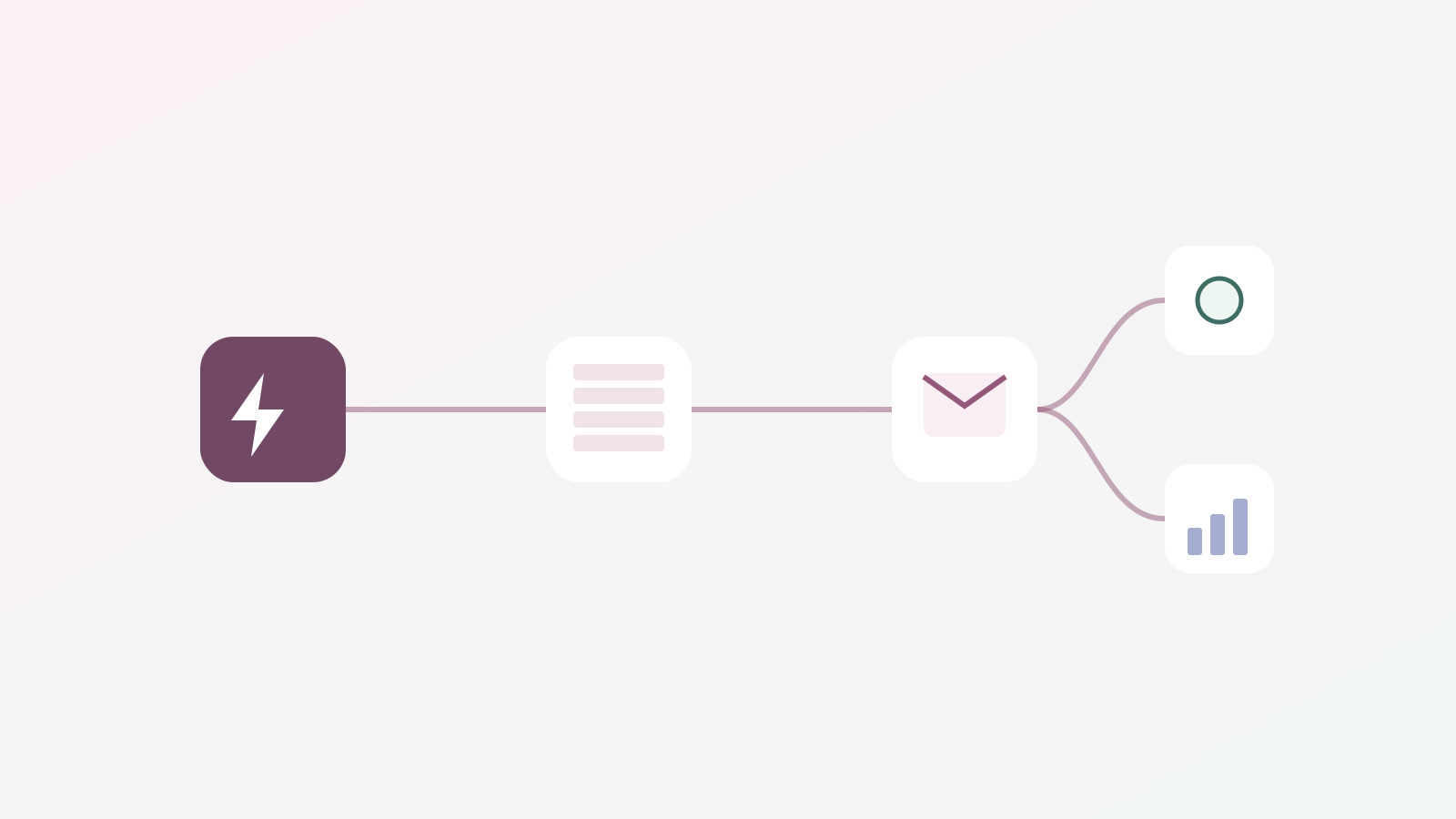
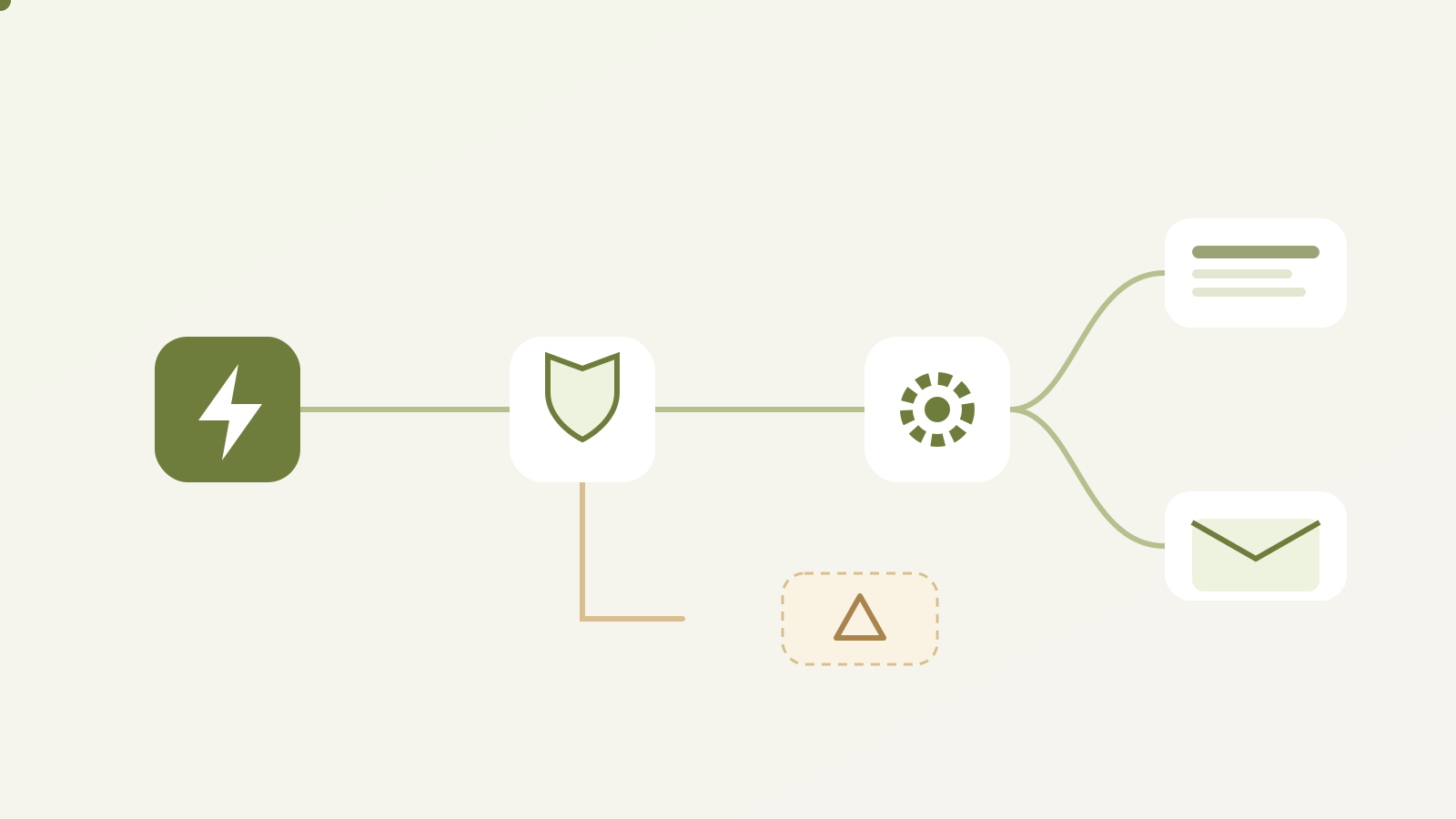
Every automation is a simple chain: an event triggers it, then actions run in order, with a check that stops bad data and an error path for when something breaks. Here's an example for handling a lead from a website form:
Lead intake automation
- A visitor submits the website form
The event that starts the chain
- Validate the data
A valid email, a phone number and no duplicate request
- Add the lead to the CRM
Including the traffic source from UTM links
- Alert the sales rep
With a summary of the request and a link to the record
- Welcome email to the customer
Confirms receipt and sets the expected reply time
- On failure: alert a named person
And keep the request for a retry without duplicating it
Step 1: Map the process as it really is
Sit with the person who runs the process and write down every step: who starts it, what the inputs are, where data is stored, what the exceptions are. You'll often find steps nobody can explain and several copies of the same data.
A hypothetical example: the journey of a quote request
Imagine a company that installs security camera systems and receives quote requests from its website. Mapping the process as it really happens reveals this: the request lands in a shared inbox, an employee copies it into a spreadsheet, then calls the customer to ask for details the form forgot, then passes it to a technician to estimate quantities, then the manager writes the quote by hand, sends it by email, and no one follows up if the customer doesn't reply. Seven steps, three of them copy-and-paste, and one avoidable phone call.
Before thinking about any tool, the map alone exposed two problems: the form is missing two essential questions, and sent quotes are never followed up. Fixing them needs no automation at all, but it is a precondition for business process automation to work later, because any tool would simply move incomplete data faster.
Step 2: Simplify before you automate
Automating chaos
- Steps nobody can explain, now running faster
- Three customer spreadsheets updated automatically, errors included
- Many exceptions that break the automation every week
Automating after tidying up
- Only the necessary steps, in a clear order
- One source of data every system relies on
- Clear rules, with exceptions handed to a person
Sometimes simplifying alone saves a big share of the time, before any tool.
Step 3: Choose the first candidate carefully
Place candidate processes on a matrix: how often do they happen, and how clear are their rules?
Which process should you automate first?
Frequent, but everyone does it their own way: standardise, then automate.
Frequent with clear rules: lead intake, invoicing, weekly reports.
Rare and complex: automating costs more than it saves.
Clear but rare: automate it once the priorities work.
Good candidates include lead intake as shown above, invoicing (deal closed, then invoice, then a reminder when overdue; you can start with the Invoice and Quotation Generator) and reports that pull weekly numbers from several sources into one dashboard.
How do you calculate what automation saves?
The formula is simple: times the task repeats per month × minutes it takes each time = monthly time spent. If the company in the example receives 120 requests a month and each needs seven minutes of copying, pasting and routing, that's 840 minutes, or about 14 hours a month. If automation cuts the task to a one-minute review per request, the saving is around 12 hours a month.
Compare that with the cost of building, subscribing and maintaining, and add value that doesn't show up in hours: faster replies to customers and fewer errors when copying figures. A task that saves an hour a month and rarely goes wrong by hand is not a good first candidate, however easy it is to build.
Step 4: Choose how to build it
| Approach | Suits | Watch out for |
|---|---|---|
| No-code connectors | Simple integrations between well-known services | Cost as the number of runs grows |
| Built-in automation in your systems | What happens inside your CRM, accounting or email | The limits of a single system |
| Custom development via APIs | Complex logic, high volume or stricter security | Needs a team to build and maintain |
Choose the simplest option that meets the need. For details, read our no-code automation guide, and for sales specifically our CRM automation guide.
Step 5: Design for errors
Every automation will fail one day: a service goes down, data is missing or an interface changes. Plan for it from the start:
To a named person on any failure, not a shared inbox nobody reads.
What ran, what failed and when.
Without duplicating work, such as never sending an invoice twice.
Before processing, not after bad data has spread.
What happens when a step fails halfway?
Imagine the automation created the invoice in the accounting system and then failed to send it because the customer's email address was wrong. If you didn't design for that, the tool may retry and create a second invoice, or stop silently so no one knows the customer received nothing. Good design makes each step safe to repeat without repeating its effect (for example, checking whether the invoice exists before creating it), sends a clear alert to a named person on any failure, and keeps a log showing where the process stopped.
When you connect systems through APIs, protect the connection keys and keep their permissions as narrow as possible; the OWASP API Security Top 10 explains the most common mistakes in this area.
Step 6: Measure, document and secure
Compare before and after: time taken, number of errors and speed of response to customers. Document each automation: what it does, who owns it and how to switch it off; an undocumented automation becomes a black box everyone is afraid to touch. On security: give each integration the least access it needs, store API keys safely and regularly review the services connected to your accounts.
What goes into an automation document?
The document doesn't need to be long, but it must answer the questions of whoever comes after you: what event triggers the automation? Which systems does it read from and write to? What rules and conditions apply at each step? Who receives alerts on failure? Where are the connection keys stored, and who can change them? When did someone last review it? One page with those answers saves hours of digging at the first outage and lets a new employee understand your business process automation without taking every step apart.
Common business process automation mistakes
Automating everything at once. A huge project connecting ten systems takes months and is hard to test, and if it fails the team loses faith in the whole idea. Start with one process, launch it, measure it, then move to the next.
No process owner. Every automation needs someone who knows what it's supposed to do, receives its alerts and decides on changes. Without one, the automation breaks one day and nobody notices until a customer complains.
Relying on a personal account. Building automation on an employee's email or their personal account in the automation tool means it stops the day they leave. Use company accounts and document every connection and credential in a secure place.
Forgetting the human in the loop. Some decisions should stay human: approving a large discount, replying to an angry complaint, cancelling an order. Design the automation to prepare those decisions and hand them to their owner, not to make them. We show ready-made examples in our no-code automation guide and CRM and sales automation guide.
How do you measure business process automation success?
Measure three numbers before launch and a month after: time the team spends on the process, errors (data copied wrongly, lost requests, messages never sent) and cycle time from the start of the process to its end, such as the time from a request arriving to the quote being sent. If cycle time drops from two days to two hours, customers feel it directly, and it often raises the share of accepted quotes. Review the error log weekly in the first month, then monthly, and update the automation whenever the process itself changes. Business process automation isn't a project you hand over and forget; it is a living part of how your company works.
A worked example: automating quote-request intake
Before automation: a request arrives through the website form into a shared inbox; someone copies it into a spreadsheet and forwards it to a salesperson, who replies a day or two later. Some requests get lost, and nobody knows the real count.
After simplifying and automating:
- The visitor submits the form and the request is saved straight into the CRM with its source (for example from UTM parameters).
- It's routed automatically to the right salesperson by service type, with an instant notification.
- The customer receives a confirmation explaining what happens next and when to expect contact.
- If the request isn't updated within one business day, a reminder goes to the salesperson and their manager.
- An automatic weekly report shows request volume, average first-response time and conversion to quotes.
What do we measure? Average first-response time, lost requests (which should drop to zero) and customer satisfaction with response speed. The automation is small to build, but its effect on revenue and customer experience is direct.
Conclusion
Successful automation starts with understanding and simplifying the process, then automating one step carefully, with an error plan and clear measurement. Start small and let each success pave the way for the next. If you'd like someone to design your automations and connect your systems, explore our business automation service.
Frequently asked questions
What should I automate first?
A frequent process with clear rules, structured data and visible impact, such as moving website form leads into your CRM and notifying sales.
Do I need a developer to automate?
Not always. No-code connectors and built-in features cover simple integrations; custom development is needed for complex logic, high volume or stricter security.
What happens when an automation fails?
Design it to alert a named person immediately, keep a log of what ran, and allow retries without duplicating work, such as sending an invoice twice.
Do I need a developer to automate processes?
Not always. Many simple processes, such as moving form data into a spreadsheet and sending a notification, can be built with no-code automation tools. You need a developer when systems have no ready-made connector, when volumes are large, or when complex rules need careful testing.
What's the first process to automate in a small business?
Pick one that repeats often, has clear rules and wouldn't cause much harm if it failed, such as an automatic confirmation when a new request arrives or appointment reminders. A quick success builds the team's confidence before you tackle more important processes.
Sources & references

I believe technology is useful when it solves a clear problem — not when it's adopted because it's trendy. AI is a powerful tool for speeding up research, writing, analysis and automation, but it needs human expertise to review, guide and verify accuracy. That's why I prefer to start by understanding the business and its goals, then choose the simplest solution that delivers a measurable result, and build audience trust with honest, useful content.
- Reader rating
- 5.0(2)
- Published articles
- 81
- #automation
- #workflows
- #efficiency
How would you rate this article?
Be the first to rate
Comments
No comments yet. Share your thoughts!