Website Security Basics: The Protection Every Business Website Needs
Most attacks aren't personal; they scan automatically for any open weakness. These are the basic layers of protection that close most of them.
Many small business owners believe their website is "too small to be a target". In reality, most attacks don't look for you by name; they scan the internet automatically for any known weakness: an outdated plugin, a weak password or an exposed admin panel. Website security doesn't need a big budget; it needs clear layers of protection built in from day one and reviewed regularly.
Key takeaways
- 1Security comes in layers: each one slows an attacker, and one falling doesn't bring the site down.
- 2Regular updates and two-factor authentication close the most common holes.
- 3A tested backup is what gets you back to work after any incident.
- 4Prepare your incident plan before you need it, not during the crisis.
Layers of website security: defence in depth
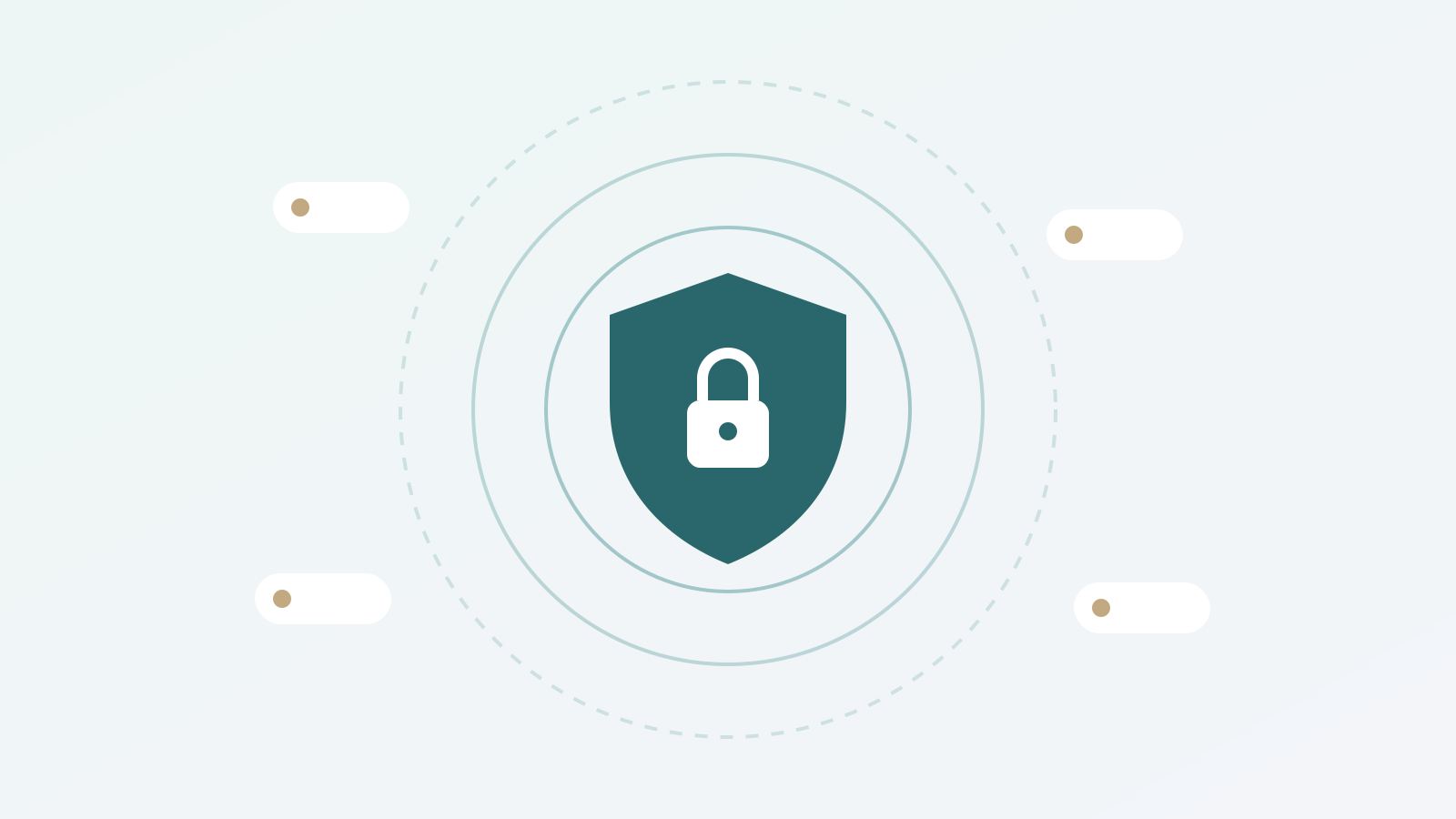
No single tool protects a site completely. The core idea in security is defence in depth: successive layers around what you want to protect, so an attacker who gets past one runs into the next.
Your site's layers of protection, from the inside out
- 1Data
Customer and order data, with encrypted, tested backups
- 2Application
The site's system and plugins kept updated, with forms that validate every input
- 3Server
Limited permissions, OS updates and separated environments
- 4Accounts
Strong passwords and two-factor authentication for every admin account
- 5Network and people
HTTPS, a web application firewall and a team that can spot phishing
What really threatens your site?
Before the fixes, know the most common ways small business sites get breached. Most aren't sophisticated attacks; they're doors left open:
Known, published vulnerabilities exploited by automated tools within days.
Guessed, or stolen from another site's leak where the same password was used.
An official-looking email that steals a team member's login.
Letting through malicious code or thousands of spam messages.
What does an automated attack look like from the inside?
Picture a program that visits thousands of sites an hour and asks each one a single question: are you running a particular plugin at the version where a vulnerability was disclosed last month? If the answer is yes, it attacks automatically without knowing your company's name or industry. Another program tries lists of millions of passwords leaked from other sites against your login page. That's why being small doesn't protect you; the attacker doesn't choose you, they choose the weakness.
The OWASP Top 10 is a global reference summarising the most widespread web application risks, such as broken access control and using components with known vulnerabilities. You don't need to be a developer to benefit from it; just ask your developer or hosting provider how your site is protected against those specific risks.
1. Update everything regularly
Updates aren't just new features; most of them close security holes. Make them a fixed routine, not a reaction:
- 1Inventory what you run
The site system, plugins, themes, code libraries and the server OS.
- 2Remove what you don't need
Every unused plugin is another door that needs guarding.
- 3Update on a fixed schedule
At least weekly, and immediately for critical security releases.
- 4Test after updating
On a staging copy first if possible, then on the live site.
2. Protect every admin account
The admin panel is the master key to your site. Use a strong, unique password for every account, generated with the Password Generator and stored in a password manager, plus mandatory two-factor authentication on every privileged account. We cover this in our password security and MFA guide. Give each person only the access their work needs, and remove leavers' accounts immediately.
A hypothetical example: one shared account that costs a lot
Imagine a small company where three employees and a marketing agency all use one administrator account with one password. An employee leaves and the agency contract ends, but the password isn't changed because changing it means telling everyone. Months later, content is deleted or suspicious links appear, and nobody knows who did it because every change is logged under the same user.
The fix is for each person to have their own account with the least privilege their work needs: a writer publishes articles but can't install plugins, the agency edits pages but can't manage users. Turn on two-step verification for every account and delete accounts as soon as they're no longer needed. Create long, unique passwords with the password generator and keep them in a password manager, as explained in our passwords and MFA guide.
3. Backups: your way back
A backup is what separates an annoying incident from a disaster. The industry-standard rule is 3-2-1:
| Number | Meaning | Why? |
|---|---|---|
| 3 | Three copies of your data | The original plus two backups |
| 2 | On two different types of storage | One type failing doesn't lose everything |
| 1 | At least one copy off-site | Protects you if the server is breached or destroyed |
Most importantly, test restores regularly. A backup whose restore has never been tested may not work the day you need it. Details in our backup and disaster recovery guide.
A backup you haven't tested isn't a backup
Many site owners discover on the day of a crisis that their backup ran but saved files without the database, or that the last clean copy is six months old, or that backups were stored on the same server that failed. Test a restore at least every three months: take the latest copy, restore it to a staging environment and check that the site works with all its content. Note how long the restore took, because that number is how long your site will be down during a real incident. We go deeper in our backup and disaster recovery guide.
4. HTTPS and security headers
HTTPS on every page encrypts the connection between visitors and your site; today it's a baseline, not an option, and it affects trust and search visibility, as in our technical SEO guide. Add basic security headers that tell the browser how to treat your site:
A site without headers
- Can be embedded in other sites to trick visitors
- The browser loads scripts from any source
- May be opened over HTTP without encryption
A site with basic headers
- Blocks unauthorised embedding (frame-ancestors)
- A content policy that limits allowed script sources
- HSTS forces the browser to always use HTTPS
5. An incident response plan
Even with every layer, a breach can happen. What separates companies is how fast they respond, and that depends on a plan written before the crisis:
- 1Detect
Monitoring and alerts for any unexpected change to files or accounts.
- 2Contain
Put the site in maintenance mode and change passwords and keys.
- 3Recover
From a clean backup, after closing the hole the attacker used.
- 4Learn
Document what happened and add a layer that prevents a repeat.
The first hour after discovering a breach
Panic leads to steps that make things worse, such as deleting infected files immediately and destroying the evidence of how the attacker got in. Organise the first hour like this: put the site into maintenance mode or isolate it if it's harming visitors, change the passwords for the admin panel, hosting, database and linked email from a clean device, keep a copy of the files and logs exactly as they are for analysis, then contact your hosting provider or developer. Only then do you clean up or restore from the last clean backup, and close the hole the attacker used so they don't return the next day. If the site collects customer data, check what your country's data protection rules require in terms of notifying authorities or customers.
Write these steps down today on one page with the key contact numbers, and keep it somewhere outside the website itself. The worst time to think about the plan is in the middle of the crisis.
Common website security mistakes
Postponing updates for fear of breaking the site. The fear is understandable, but the answer isn't delay; it's testing the update on a staging copy first, then applying it quickly. Every day of delay after a vulnerability is announced raises the chance it will be exploited.
Plugins and themes from untrusted sources. "Free" copies of paid plugins often carry hidden malicious code. Install plugins only from their official sources, and delete anything you don't use rather than just disabling it.
An unprotected email linked to the site. Whoever controls the administrator's email can reset the site password. Protect that mailbox with two-step verification just like the site itself, and watch for phishing emails impersonating your hosting provider.
No record of what happened. Without login and change logs you won't know how an attacker got in or what they changed. Enable logging and keep the logs long enough.
A simple monthly website security routine
In half an hour a month you can cover the essentials: review pending updates and apply them after testing, review the user list and remove anyone who no longer needs access, confirm the last backup completed successfully, check the "Security issues" report in Search Console, and try opening the site over HTTP to make sure it redirects to HTTPS automatically. Every three months, add a full restore test and a review of your security headers as explained in our HTTP security headers guide. Website security doesn't mean a breach is impossible; it means making one hard, spotting it quickly if it happens and getting back to work within hours, not weeks.
Conclusion
Website security isn't a product you buy once; it's a set of steady habits: layers of protection, regular updates, accounts protected by two-factor authentication, tested backups and a written response plan. Start with the highest-impact basics and review them monthly. If you'd like a site built to high security standards from the ground up, explore our website development service.
Frequently asked questions
Does a small business website need special protection?
Yes. Most attacks are automated scans for known weaknesses regardless of company size; updates, two-factor authentication and backups close most of them.
What is the 3-2-1 backup rule?
Three copies of your data, on two different types of storage, with at least one copy kept off-site.
What should I do if my site is hacked?
Isolate the site or put it in maintenance mode, change passwords and keys, restore a clean backup and close the hole the attacker used before going live again.
How do I know if my website has been hacked?
Common signs: strange pages or links appearing in search results under your domain, visitors being redirected elsewhere, admin accounts you don't recognise, a warning from the browser or Search Console, or a sudden slowdown and unexplained server load. If you notice any of these, start your response plan immediately.
Is an SSL certificate enough to protect a website?
No. SSL encrypts the connection between visitor and site, preventing eavesdropping and tampering in transit, but it doesn't protect against a weak password or an outdated plugin with a vulnerability. It's one layer of protection, nothing more.
Sources & references

I believe technology is useful when it solves a clear problem — not when it's adopted because it's trendy. AI is a powerful tool for speeding up research, writing, analysis and automation, but it needs human expertise to review, guide and verify accuracy. That's why I prefer to start by understanding the business and its goals, then choose the simplest solution that delivers a measurable result, and build audience trust with honest, useful content.
- Reader rating
- 5.0(2)
- Published articles
- 81
- #security
- #website
- #owasp
How would you rate this article?
Be the first to rate
Comments
No comments yet. Share your thoughts!