Projects
Accounting Firm Digital Transformation: From Ledgers and Paper to Cloud Accounting and a Client Portal
How an accounting firm that receives client documents in paper bags and types them in by hand can move to cloud accounting and a client portal that gathers documents and eases deadlines.
An illustrative scenario of a hypothetical company, explaining step by step how digital transformation can work in this sector. It does not represent a real client; any figures are example goals and measures, not achieved results.
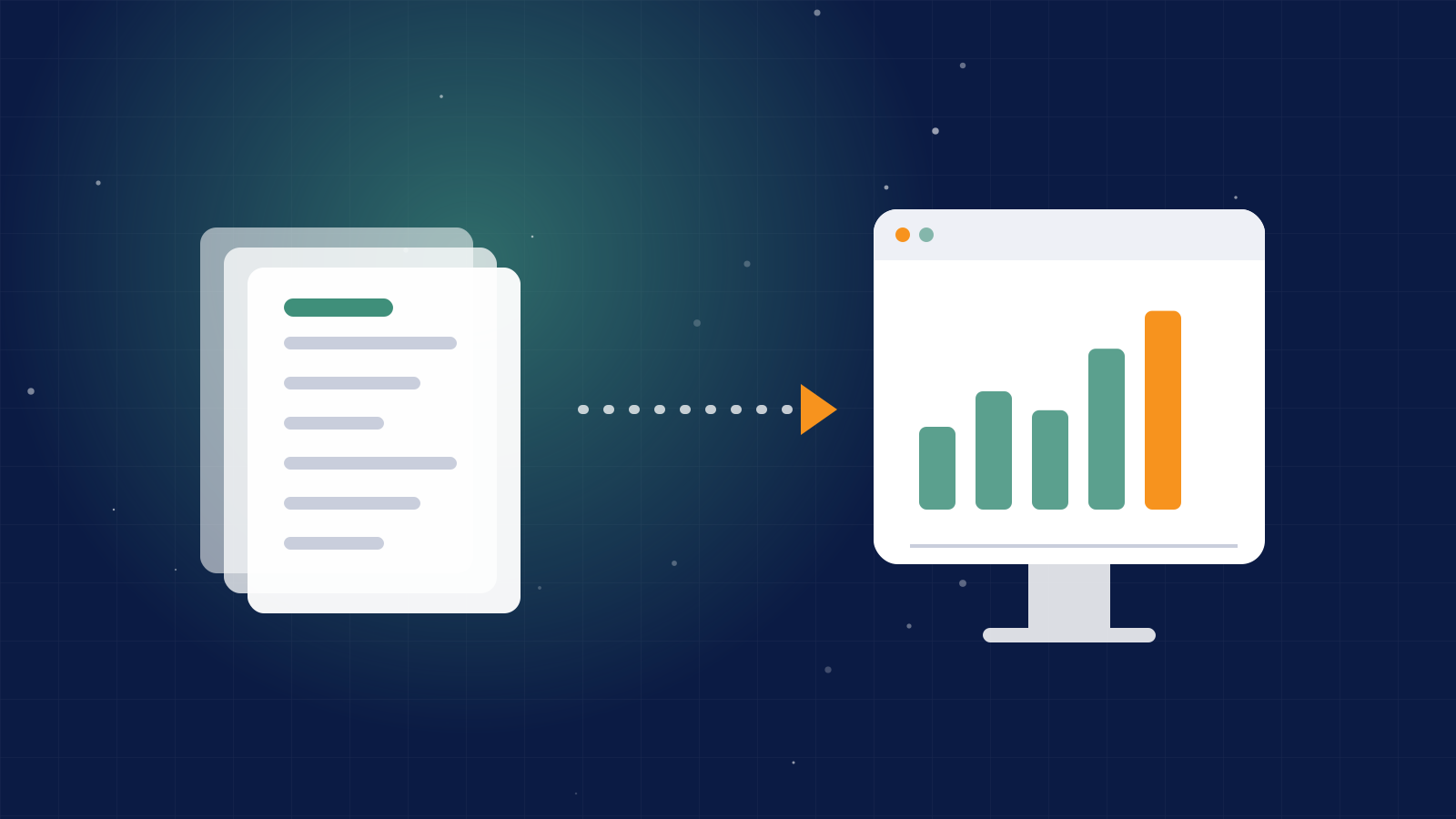
This illustrative scenario explains accounting firm digital transformation for a hypothetical practice that provides bookkeeping and tax filing for dozens of small businesses. The firm has a good reputation, but clients hand over their documents in paper bags at the end of each month, accountants type every invoice in by hand, and work piles up before tax deadlines until the last weeks of every period are exhausting for everyone.
The starting point: bags of receipts and manual entry
Business owners collect invoices and receipts all month and then send them to the firm in one go. An accountant sorts them and enters them into accounting software on their own computer or into spreadsheets, and sometimes finds documents missing, phones the client and waits again. Each client's tax deadlines live in a notebook or in someone's memory, which raises the risk of late filings and penalties.
Why change became necessary
E-invoicing and evolving tax systems have made digital documents the norm, and manual entry wastes time that could go into advisory work. Clients expect an ongoing view of their finances, not a report that arrives weeks later. Financial data is sensitive and needs better protection than paper and scattered files can offer.
A four-phase plan for accounting firm digital transformation
Phase one: cloud accounting. Move client books to a cloud accounting system that supports shared work and secure access, instead of scattered local files.
Phase two: the client portal. Clients upload documents from their phones as they go, and see the firm's requests and any missing documents in one place.
Phase three: automatic capture. Text recognition extracts invoice data and suggests categories, which the accountant reviews and approves instead of typing from scratch.
Phase four: deadlines and reports. A tax calendar per client with early alerts, and monthly reports sent automatically.
Suggested systems and tools
A certified cloud accounting system, a secure client portal and automatic document capture, with alerts automated through our business automation service. For quick tax sums use the VAT Calculator, and for fee invoices the Invoice & Quotation Generator. Because finance firms are a target for fraud, read our phishing protection guide.
How we measure success
We define measures to track before and after: month-end close time per client, manual entry hours, the share of filings submitted well before the deadline, how often missing documents have to be requested, and client satisfaction. That comparison shows the impact honestly.
Mistakes to avoid
Relying on automatic capture without human review; opening the portal without two-factor authentication; moving client data to untrusted services; and failing to show clients how to upload documents properly.
Bringing accountants and clients along
Some accountants fear automation will shrink their role, but it actually moves them from data entry to review and advice. Give clients a short illustrated guide to uploading documents as they go, encourage them with faster and clearer reports, and keep a direct line open for anyone who needs help.
Rough budget and timeline
Cloud accounting systems are priced per client or user. Start with a small group of willing clients as a pilot, then move the rest gradually between tax seasons rather than during the peak.
Conclusion
The core of accounting firm digital transformation is that documents arrive as they happen, accountants spend their time reviewing and advising rather than typing, and data is well protected. Start with cloud accounting, then the portal, then automatic capture, then deadlines and reports. To understand the options, see accounting software.
The transformation: before and after
An animated summary of how paper processes move to connected digital systems.
Before: on paper
- Paper receipts arriving at month end
- Time-consuming manual entry
- Scattered files per client
- Tax deadline crunch
After: one connected system
- Documents uploaded from a phone
- Automatic capture with human review
- One cloud ledger per client
- A deadline calendar with alerts
Rollout phases
- 1
Cloud accounting
Move client books to a cloud system.
- 2
Client portal
Secure uploads and requests.
- 3
Automatic capture
Extract and categorise invoice data.
- 4
Deadlines and reports
A tax calendar and automatic reports.
How would you rate this project?
Be the first to rate
Comments
No comments yet. Share your thoughts!